 WalkMeasure
Free
$0
One project, to test it on your own land.
- One measuring project
- Area, perimeter and side lengths
- Calibration and the start–finish check
- Selfie stick, buzz and sound cues
- A plan image with the WalkMeasure mark
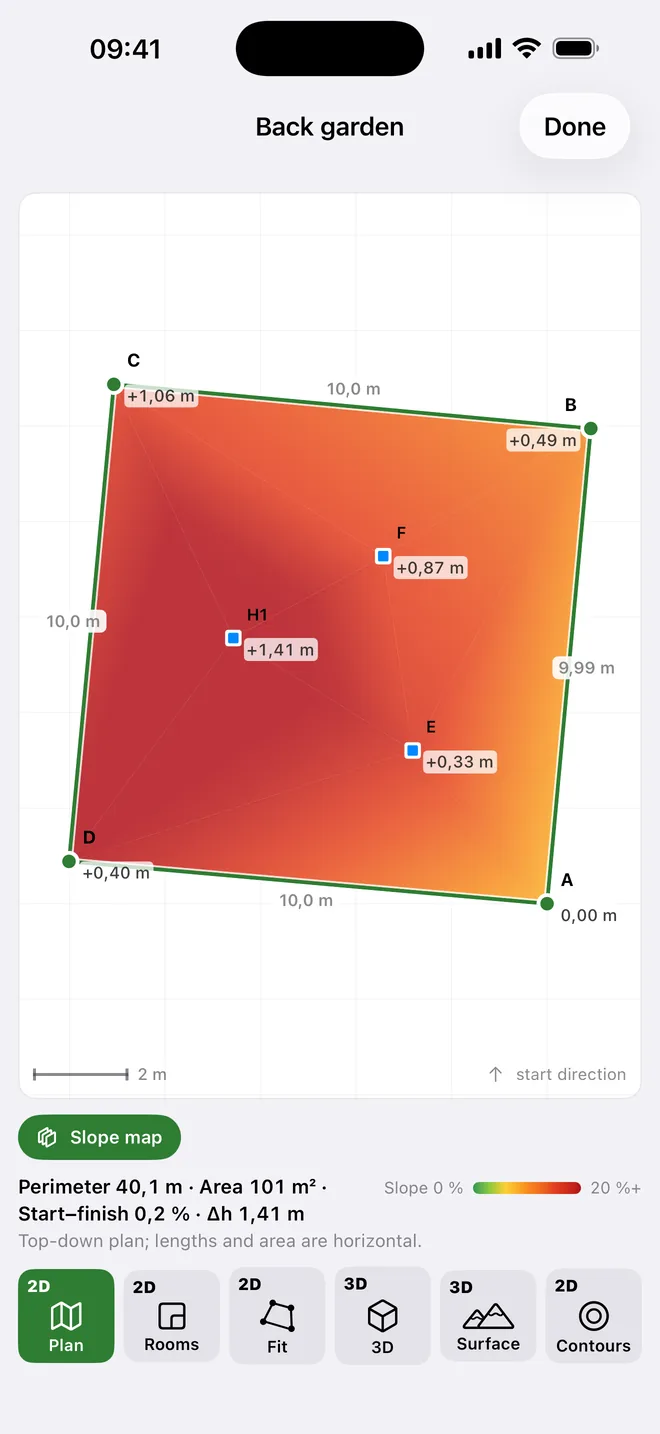
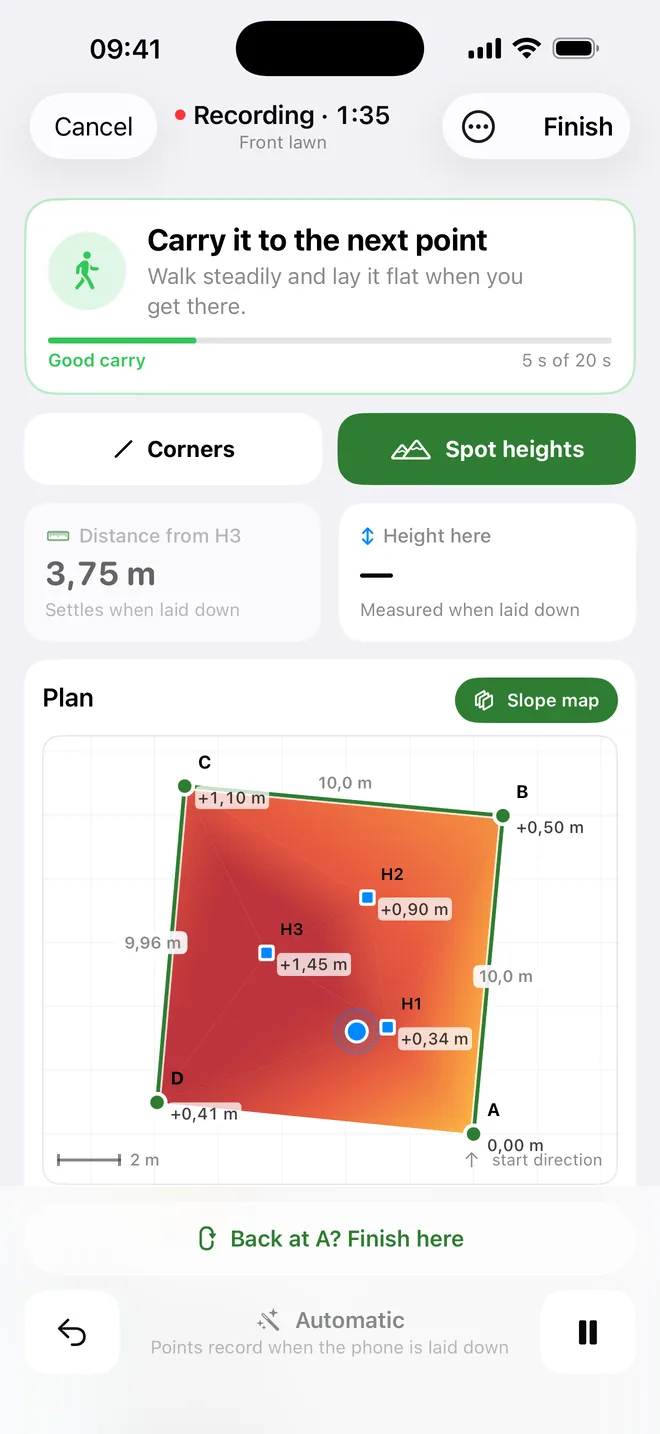
For landscapers, builders and estate agents who need the size of a plot, a lawn or a room today. Set your iPhone down at each corner and get the area, the sides and the slopes in minutes, each with its margin of error.
If a wrong area costs you money, WalkMeasure pays for itself the first time you use it.
Lawns, beds, paving and fences: quote from the real area and order the right amount of turf, gravel or stone.
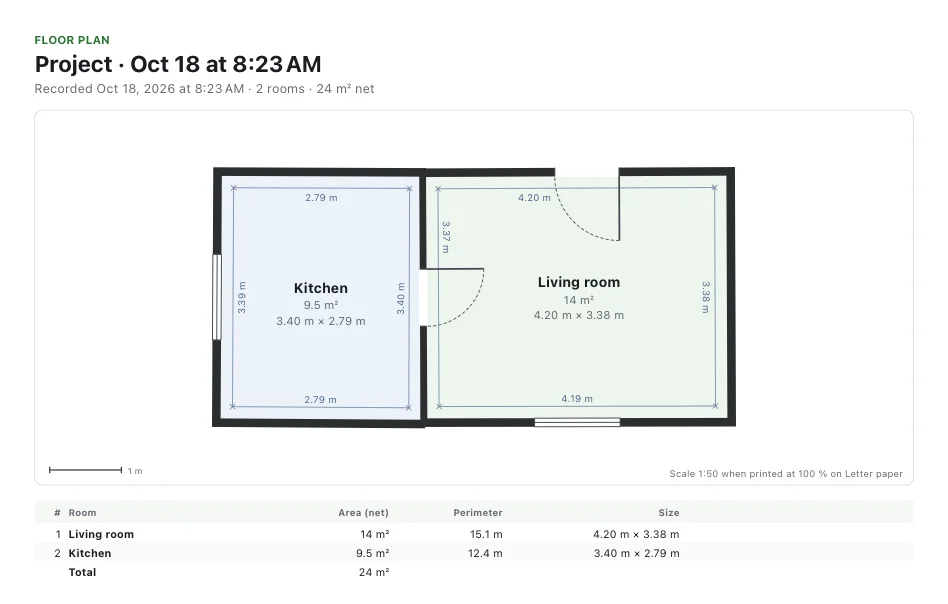
Floor plans of existing rooms, with doors and windows, ready for a quote or a drawing. No laser, no notebook.
The size of a plot and a plan for the listing or the family, before anyone pays for a survey.
Fields, enclosures and how the ground slopes, walked in minutes with the phone on a stick.
Turf, gravel, paving and fencing are bought by the square metre and the metre run. A guess is a cost.
A plot that turns out bigger than you guessed is more work at the same price.
A tape and a wheel need two people and a clear line. A surveyor costs hundreds and takes weeks.
WalkMeasure gives you the number on the spot, and tells you how far to trust it.
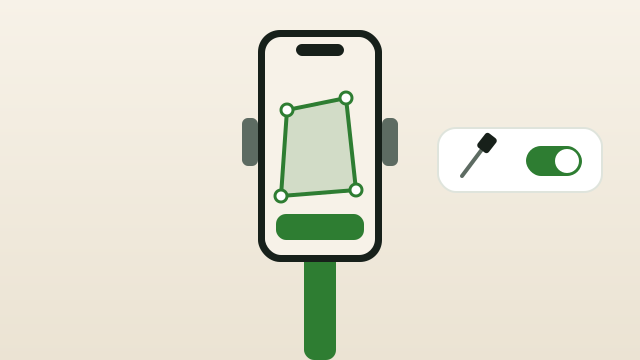
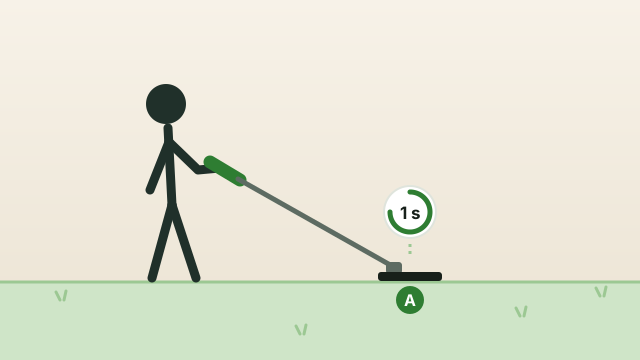
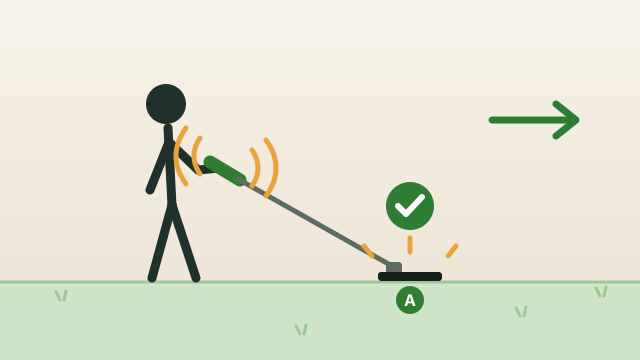
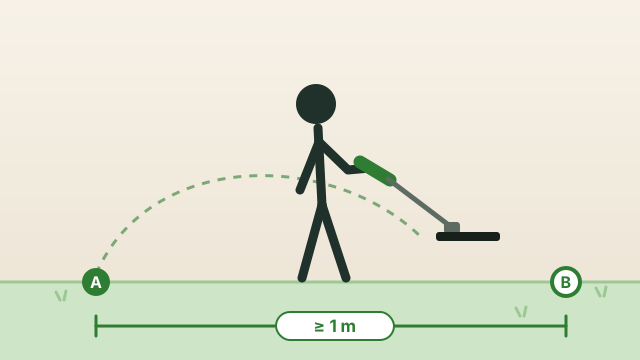
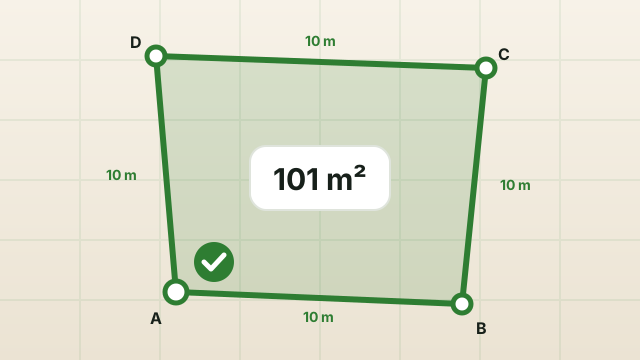
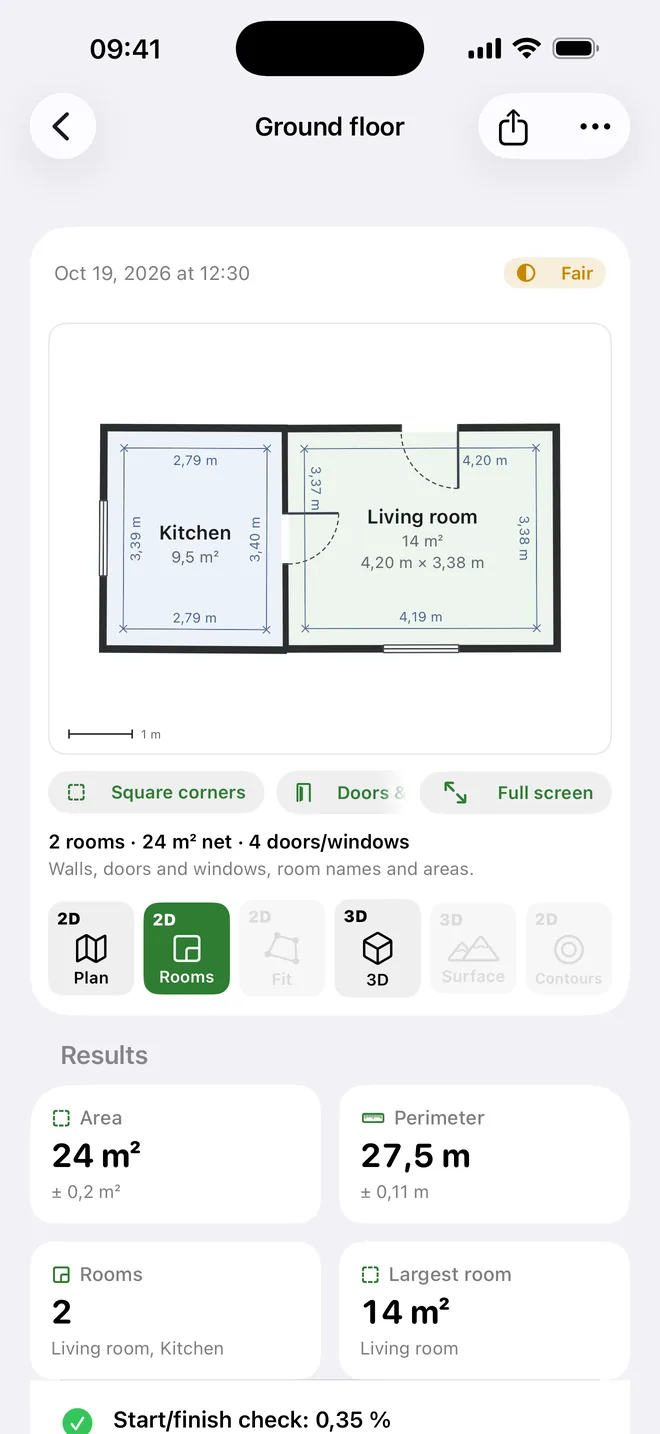
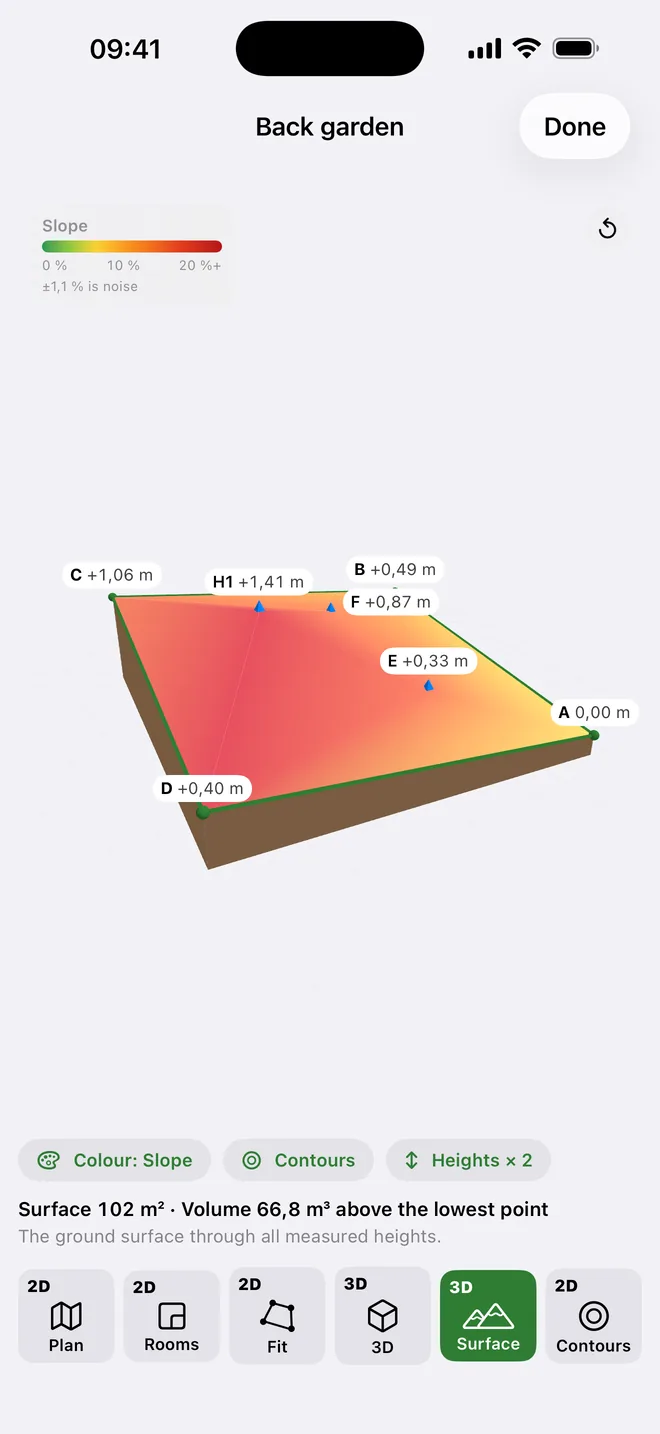
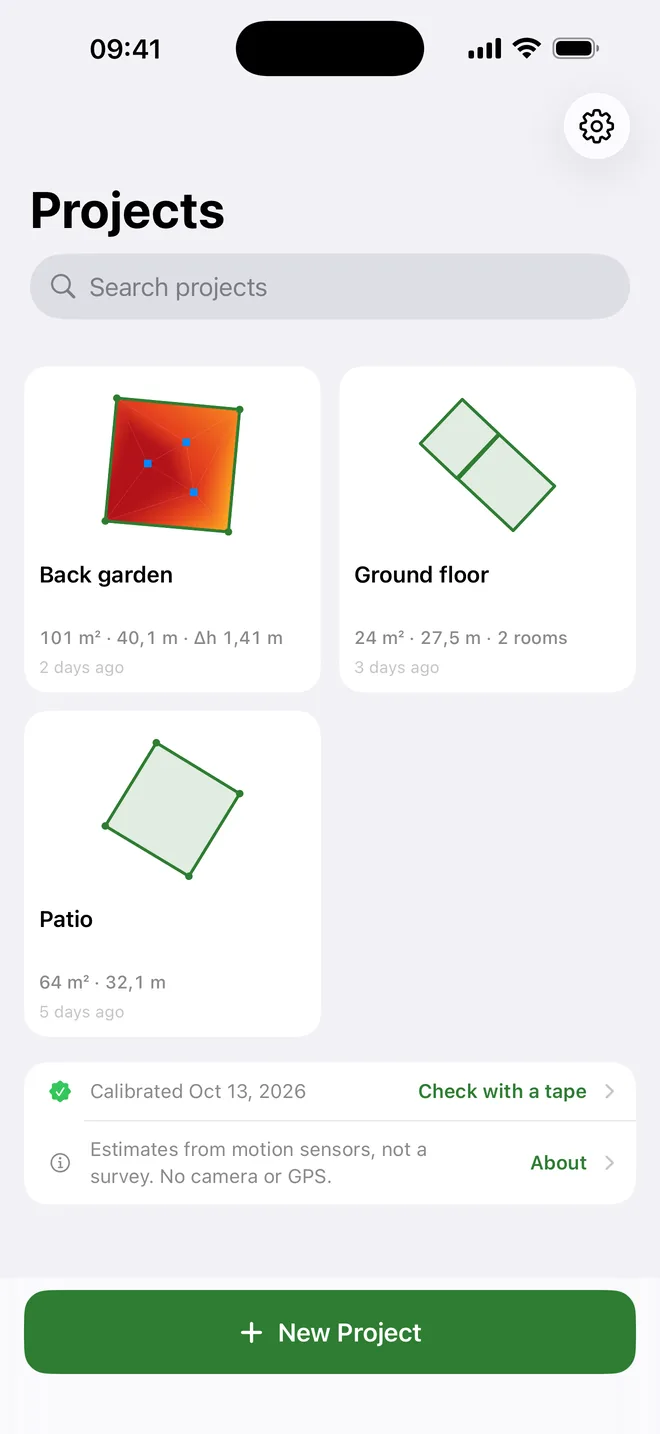
Other apps give you a figure. WalkMeasure gives you the figure and how far it may be off.
Lay the phone back on the first corner and the app shows how far the walk drifted, as a percentage of the distance walked.
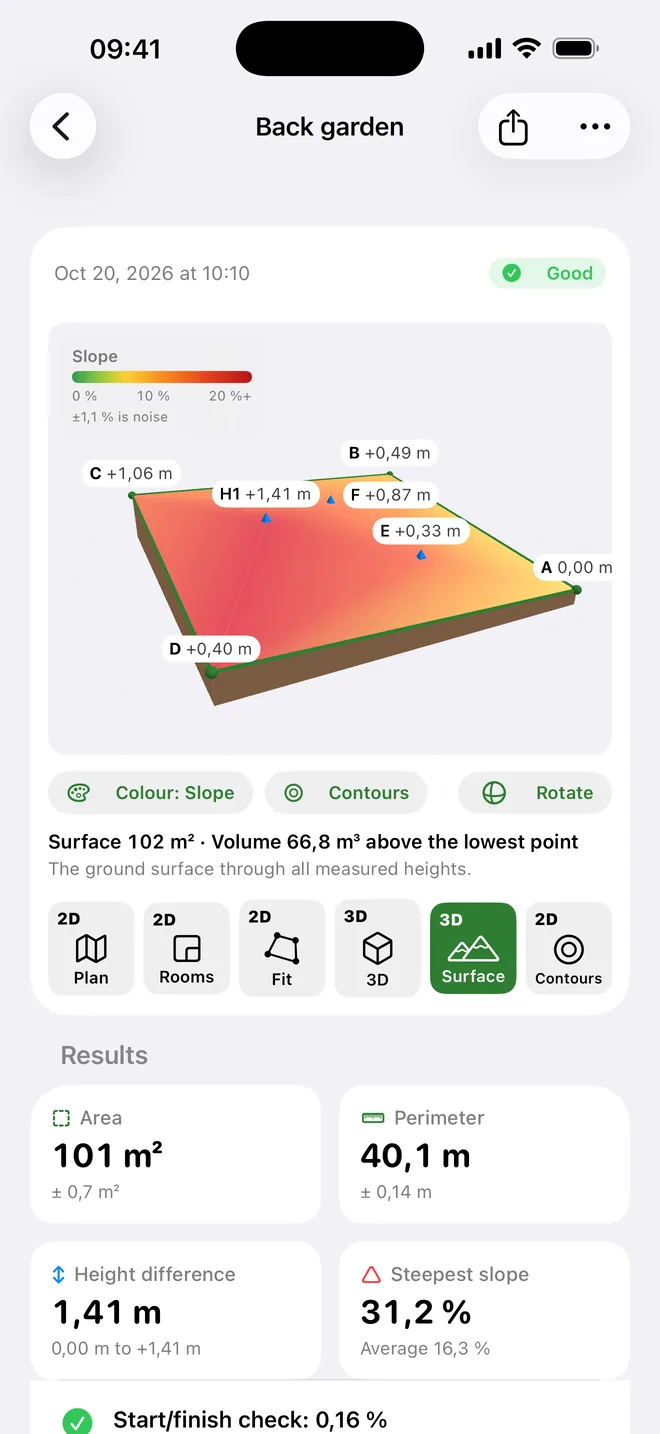
Area, sides and heights come with a ± worked out from your phone's sensors and from how long each carry took.
Calibrate once, measure a taped line and see what your phone achieves. Your first project is free: test it on your own land.
Results are estimates from the phone's motion sensors. For critical dimensions, check with a tape; for legal documents, use a licensed surveyor.
Area and sides for the quote, slopes for the drainage, a floor plan for the drawing: one app, one phone.
Every number comes with its margin of error.
A slope map, contour lines and a 3D model.
Rooms, doors and windows, with the phone against each wall.
Finish where you started and see how accurate the walk was.
A buzz in the handle tells you when to move on.
Send the result to a client or into AutoCAD, straight from the phone.
Hold the phone against each wall. Corners come from where the walls meet, even when they're hidden behind furniture.
Less than one wasted trip to the site. Far less than a measuring device or a surveyor's visit.
$0
One project, to test it on your own land.
$3.99 / month
For a season of jobs. Cancel any time in your Apple account settings.
$49.99 once
About a year of Pro, paid once. Yours for good, with every future update.
Billed through the App Store, which shows the price in your currency. The free project is used when you start your first measurement, even if you delete it later.
No. Only the iPhone's accelerometer and gyroscope. Measuring works offline, indoors, under trees and anywhere GPS is weak. You only need the internet to buy Pro.
It depends on calibration and on how often you set the phone down. Every result comes with its margin of error, and returning to the start checks it. For critical dimensions, check with a tape measure.
No. Official documents need a licensed surveyor. WalkMeasure quickly tells you what to expect, so you decide what is worth a surveyor's visit.
Once, at the start: rest it on a table on each of its six sides, about a minute in all. The app guides you.
It stays on your phone. No account, no ads, no analytics. You share projects yourself, as PDF, CSV or DXF, only when you want to.
An iPhone running iOS 17 or later.
The app is free for one project. WalkMeasure Pro is $3.99 a month, cancelled any time, or $49.99 once for good. Both through the App Store. See pricing.
Yes. Pro Lifetime is a one-time purchase of $49.99: every Pro feature, for good, including future updates. It belongs to your Apple ID, so Restore Purchases brings it back on a new iPhone.
WalkMeasure is coming soon to the App Store. We'll write to you when it's out.
Notify me at launch